How can we help you?
Personalized Advisory
Become a Client
Speak directly with the right specialist for your station or project.

Laura Trapani
Online Radio Specialist
- Starter Stations Specialist
- Creator of Beginner Guides
- Direct or scheduled call

Ignacio Unzué
FM & AM Radio Specialist
- FM & AM Digitalization
- Studio to Transmitter Links (STL)
- Technical engineering for FMs

Leonardo Rinaldi
Ministries & Church Specialist
- Live streaming for events & services
- Audio and video for ministries
- Mobile apps & websites for congregations

Tomás Iuspa
Wholesale & Reseller Accounts
- Reseller Streaming & Hosting
- Dedicated servers & white label
- Priority agency support
Client Area
Direct Portals & Support
Quick access to your streaming control panels, billing account, and priority support.
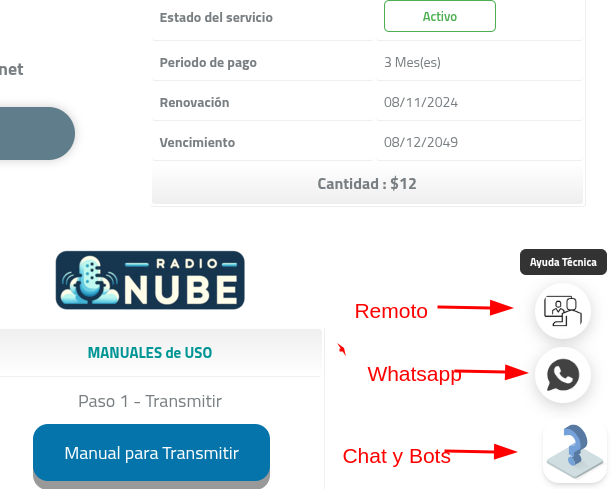
Client Billing Portal
Billing and subscription management
CLIENTES.radionube.online
- Invoices and payment methods
- Service status & renewals
- 24/7 Administrative support tickets
STREAMING
RadioNube Streaming Panel
Broadcast control & AutoDJ settings
PANEL.radionube.online
- Manage Radio & Mobile Apps in one panel
- Music library & playlist scheduling
- Real-time audience analytics
Technical Support Chat
Direct assistance with our expert team
- Personalized technical assistance
- Real-time problem resolution
- Setup guidance & questions